Estimate to Invoice in One Click: Why the Handoff Matters
There is a moment on every contracting job where the work shifts from building to billing. The estimate is signed, the job is done (or nearly done), and now it is time to get paid. For most contractors, this is where things slow down. The estimate lives in one place. The invoice gets built from scratch in another. Line items get retyped. Numbers get rounded differently. Sections that were carefully organized in the estimate show up as a single lump sum on the invoice. According to a study on construction industry productivity, contractors spend an average of 5 to 10 hours per week on administrative tasks like this. That is time you are not spending on the job site or closing your next project.
The double entry problem
Most contractors create their estimate in one tool and their invoice in another. Sometimes the estimate is in a spreadsheet and the invoice is in an accounting app. Sometimes both are in Word documents that share nothing except the client name. Either way, the invoice gets built by looking at the estimate and retyping the information.
This is where errors happen. A line item that was $3,200 on the estimate becomes $3,020 on the invoice because of a typo. A section gets left off because it was on page two and you were working from memory. The quantities do not match because you updated the estimate after the walkthrough but invoiced from the original version. These are not hypothetical problems. We hear about them every week from contractors who lost money or had to issue corrected invoices that made them look disorganized.
Double entry is not just slow. It is a source of disputes. When the client compares the invoice to the estimate they signed and the numbers do not line up, they have questions. Sometimes reasonable questions. Sometimes questions that delay payment by weeks while you dig through files trying to explain the difference.
Why the invoice should mirror the estimate
Think about this from the client's perspective. They signed an estimate with five sections: demolition, framing, electrical, plumbing, and finish work. Each section had line items with quantities and prices. They reviewed it, asked questions, and approved it. That document is their reference point for the entire project.
Now the job is done and they receive an invoice that says "Bathroom remodel: $22,400. Due upon receipt." There is no connection to the estimate they signed. No sections. No line items. No reference to the two change orders they approved during the project. The client has to trust that the number is correct, and trust without documentation is what leads to delayed payments and uncomfortable phone calls.
The invoice should read like the final chapter of the estimate. Same sections. Same line items. If the demolition section was $4,800 on the estimate, it should appear as $4,800 on the invoice. If two change orders added $2,600 to the project, those should appear as their own line items with the dates they were approved. When a client can trace every dollar from the signed estimate through the approved changes to the final invoice, paying feels like closing the loop. Not opening a negotiation.
How disconnected tools create gaps
The root of the problem is usually the tools. When your estimate lives in one system and your invoice lives in another, there is no connection between them. You are the connection. You are the one copying numbers, reformatting sections, and trying to remember which version of the estimate was the final one.
This is where things get messy on longer projects. A kitchen remodel that takes six weeks might have the original estimate, two change orders, a revised material list, and a progress payment already collected. By the time you sit down to write the final invoice, you are pulling from four different documents across two different tools. Miss one detail and the invoice is wrong. Get it right and you just spent an hour on something that should have taken two minutes.
Separate tools also make it harder to track what has been billed versus what has not. If you invoiced a deposit from the estimate and two change orders separately, your final invoice needs to account for all of that. Without a system that connects these documents, you are doing the math yourself and hoping you do not double-bill or under-bill.
The client experience of continuity
Clients rarely talk about invoices in terms of format or structure. But they absolutely notice when something feels off. An invoice that does not match the estimate creates a moment of hesitation. "Is this right? Did I agree to this? Where did this extra charge come from?" Even if the total is accurate, that hesitation slows down payment.
On the other hand, when a client receives an invoice that clearly mirrors the estimate they signed, the experience is seamless. They can see every section they approved. They can see the change orders they requested. The total makes sense because it is built from pieces they already agreed to. There is nothing to question, so they pay.
This is not just about getting paid faster, though it does that. It is about professionalism. The contractors who maintain a clear paper trail from estimate to change order to invoice are the ones who get referrals. Clients remember how the business side of the project felt just as much as they remember the quality of the tile work.
Where change orders fit into the final invoice
Change orders are the most common source of invoice disputes. The client approved extra work during the project, but when it shows up on the final invoice as an unexplained increase, they push back. Not because they did not agree to it, but because the invoice does not show the connection.
A well-structured final invoice handles this cleanly. The original estimate sections appear first with their agreed amounts. Then each change order appears as its own section with a description of the added work, the approved amount, and the date it was signed. The client can see the original scope, every modification, and the final total in one document.
This matters because change orders are where margin lives on most projects. According to the Project Management Institute, over half of all projects experience scope changes. If those changes are not clearly reflected on the invoice, you are either absorbing costs you should be billing or creating confusion that delays payment.
One connected system beats separate tools
The fix is not a better invoice template. It is eliminating the gap between the estimate and the invoice entirely. When both documents live in the same system, the invoice can be generated directly from the estimate. All sections carry over. All line items carry over. Change orders that were approved during the project are already linked. The math is already done.
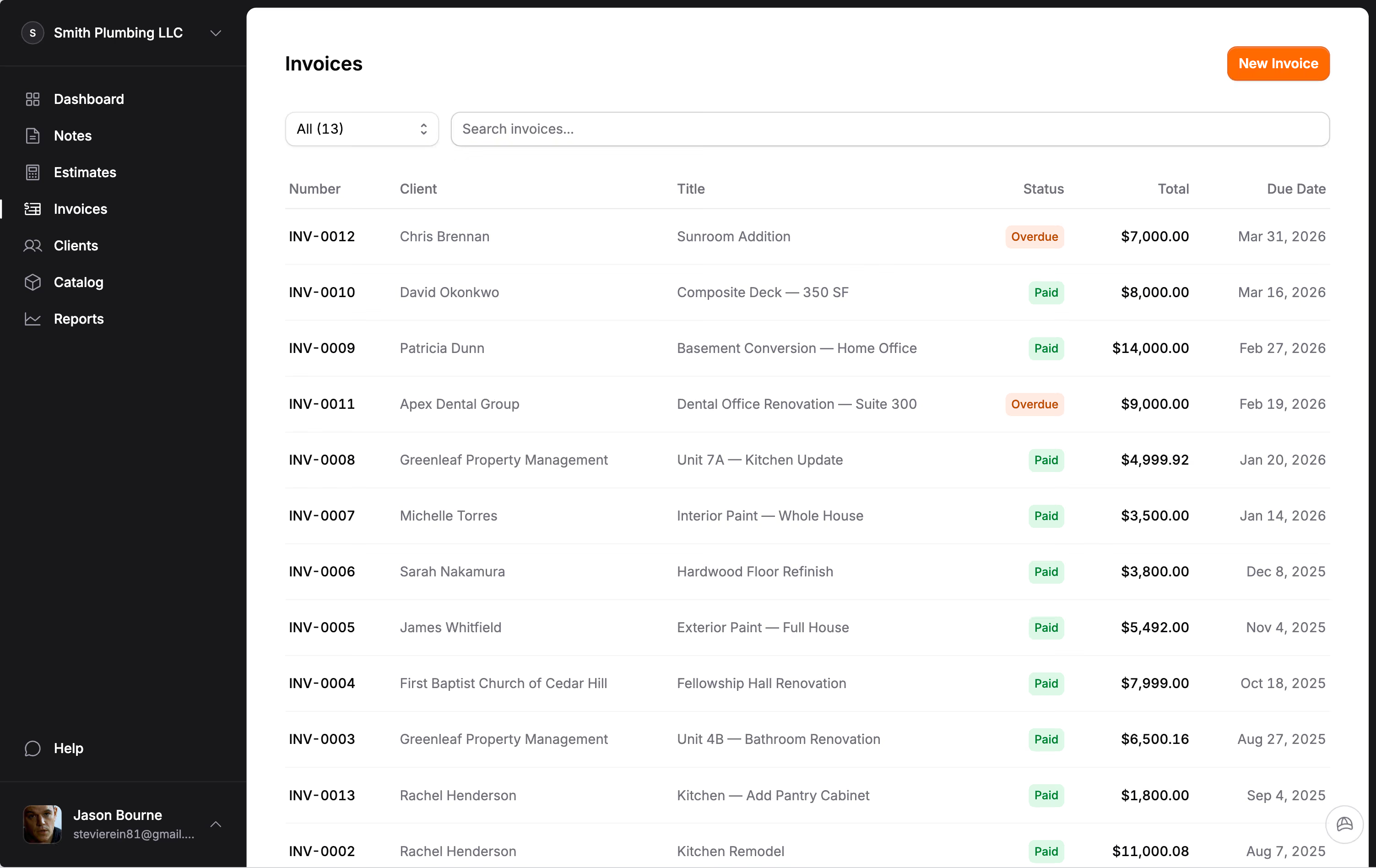
This is what we built into Jobkore. You create the estimate, the client approves it, and when the job is done you convert it to an invoice with one click. Every section, every line item, every change order comes through automatically. You review it, adjust if needed, and send. No retyping. No copying between tools. No wondering if the numbers match.
The contractors who make this switch consistently tell us the same thing: they spend less time on paperwork, they have fewer invoice disputes, and they get paid faster. Not because the invoice looks different, but because the entire paper trail from estimate to invoice tells one clear, consistent story.
The handoff is the business
Contractors tend to think of the estimate and the invoice as two separate tasks. One happens before the job and the other happens after. But they are really two halves of the same conversation with your client. The estimate says "here is what we will do and what it will cost." The invoice says "here is what we did and what you owe." When those two documents do not match, you are telling two different stories. And clients notice.
The handoff from estimate to invoice is not a detail. It is the mechanism that turns your work into revenue. Every hour you spend retyping, every error you have to correct, every dispute that delays payment is a direct cost to your business. The contractors who treat this transition as a first-class part of their workflow are the ones who spend less time chasing money and more time doing the work they are actually good at.
Frequently Asked Questions
Why should a contractor invoice match the original estimate?
When the invoice mirrors the estimate with the same sections, line items, and structure, the client can verify everything they agreed to without confusion. This eliminates back-and-forth questions, reduces payment delays, and builds trust because every dollar on the invoice traces directly back to the signed estimate or an approved change order.
How much time do contractors lose on administrative paperwork each week?
Industry surveys consistently show that contractors spend 5 to 10 hours per week on administrative tasks like retyping estimates into invoices, chasing paperwork, and reconciling numbers across tools. That adds up to over 250 hours a year of non-billable work that could be spent on the job site or closing new business.
How should change orders appear on the final invoice?
Each approved change order should appear as its own section or line item on the final invoice, with the approval date and agreed amount. This way the client can see the original estimate total, each change they approved during the project, and the adjusted final total. There are no surprises because every addition is documented and traceable.
What is the fastest way to convert an estimate into an invoice?
The fastest method is using a tool that lets you convert an estimate to an invoice in one step, carrying over all sections, line items, quantities, and pricing automatically. This eliminates retyping, prevents transcription errors, and keeps the invoice consistent with what the client originally approved. Manual retyping in a separate tool is the slowest and most error-prone approach.