Field Notes: Capture It on Site, Estimate It Later
Contractors do not lose track of scope because they are careless. They lose track because the job site is chaos and there is no good time to stop and type. You walk through a house with the homeowner, they point out six things they want done, and by the time you are back in the truck you remember four of them. The other two end up as a callback or a dispute.
That is why we built Field Notes.
What Field Notes does
Field Notes is a dedicated space in Jobkore for capturing what you see on the job site, right when you see it. Open it up, type a note or hit record and talk through the scope. The note saves instantly with an AI-generated title so you can find it later without scrolling through a wall of untitled entries.
Voice notes are transcribed automatically using Deepgram, a speech recognition engine built for real-world audio. Not the kind that hallucinates words when you pause to think. If you stop talking for a few seconds, it just waits. The transcript shows up in seconds.
You can tag each note to a client, so when it is time to build the estimate, you are not digging through a mixed pile of notes from three different jobs.
From notes to estimates (and invoices, and change orders)
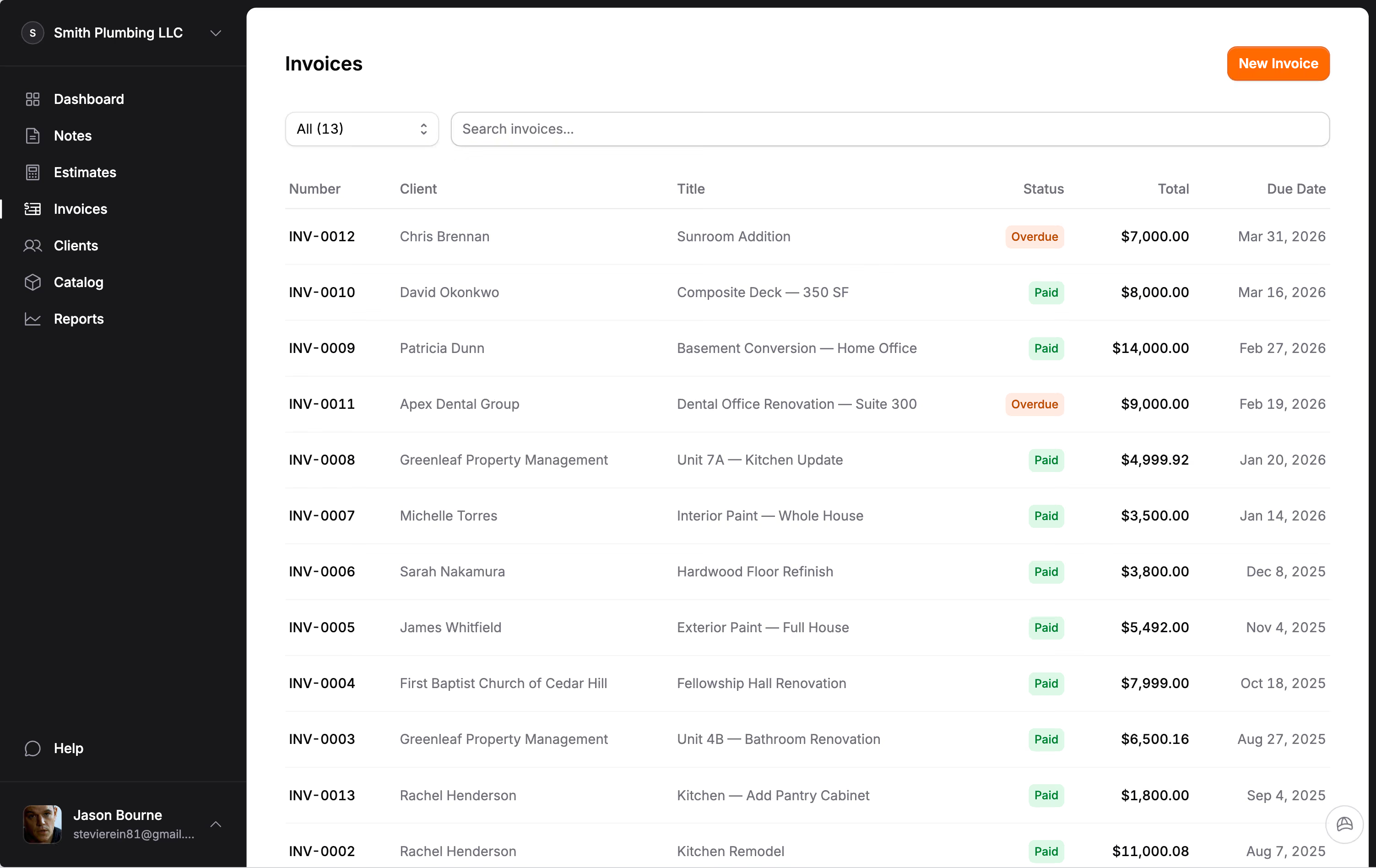
The real payoff is what happens after you capture your notes. Select the ones you want, tap "Create with Hank," and choose what you need: a new estimate, an invoice, or a change order against an existing estimate. Hank reads your notes and organizes them into structured line items and sections. You review, adjust pricing, and send.
The change order path is worth calling out. Say a client asks for additional work mid-project. You record a 30-second voice note describing the scope. Later, you select that note, pick "Change Order," choose the parent estimate, and Hank builds the CO from your description. The client gets a separate approval document. You get paid for the extra work. No texts, no handshake agreements, no disputes at the end.
We looked at every tool in the market that claims to do voice-to-estimate. A few of them exist. None of them handle change orders. And none of them connect the notes to your invoicing workflow so the entire job, from first walkthrough to final payment, lives in one place.
Why voice matters
According to industry data, contractors spend over five hours a week just searching for project information. Paper notes get lost. Text messages get buried. Photos sit in the camera roll with no context. The problem is not that contractors do not document things; it is that the documentation is scattered across five different apps and a stack of paper on the passenger seat.
Voice recording changes the equation. Walking through a basement and see knob-and-tube wiring that needs replacing? Talk through it while you are looking at it. Standing in a kitchen with the homeowner? Narrate the scope as you go. You capture more detail in 60 seconds of talking than you would in five minutes of typing on a phone.
Forward a client email. Get an estimate.
Not everything comes from the job site. Clients send emails with project details, material lists, and scope descriptions all the time. Instead of copying and pasting into a note, just forward the email to your personal Jobkore address. The AI reads the email, strips out the signature blocks and reply chains, and creates a clean field note with all the relevant content. Any images or PDFs attached to the email come along with it.
If the sender matches a client contact you already have in Jobkore, the note auto-tags to that client. From there, it is the same workflow: select the note, tap "Create with Hank," and the attachments feed directly into the estimate alongside your text. Client sends you a material list as a PDF? That PDF goes straight to Hank without you touching it twice.
We looked at every tool in the market doing voice-to-estimate. A handful exist. None of them accept forwarded emails. And none of them turn that email into an estimate, invoice, or change order in the same system where you track the rest of the job.
Built for how contractors actually work
Field Notes works in English and Spanish, like everything else in Jobkore. Record in whichever language you think in. The transcription handles both.
Notes are archived automatically once they are linked to an estimate, so your active feed stays clean. If an estimate gets deleted, the linked notes come back to your feed. Nothing disappears unless you delete it yourself.
Field Notes is included in Pro at $19 per month, along with everything else: unlimited estimates, invoices, change orders, Hank AI, QuickBooks sync, online payments, and full bilingual support. No add-on fees, no per-feature charges.
If you have been keeping job notes in your texts, your camera roll, or your head, Field Notes is the upgrade your workflow has been missing.