Ready to get after it?
Stop fighting your software. Start running your business.
Try for free14-day free trial. No credit card required.
HVAC work is a mix of big-ticket installs and steady service work. You are quoting full system changeouts, running ductwork on new construction, pricing mini-splits, and fitting maintenance contracts in between. Each job type has different billing, different scope, and different client expectations.
Jobkore was built by a licensed contractor who needed software that handles the business side without getting in the way of the work. Not a CRM with dispatch and routing you do not need. Just estimates, invoices, change orders, and payments — the tools you actually use every day.
HVAC estimates live or die on clarity. Equipment is the biggest line item, and the client wants to know exactly what unit they are getting, what the labor costs, and what the ductwork adds. Jobkore lets you organize estimates into sections — equipment, labor, ductwork, controls — with line items, descriptions, quantities, and rates.
When you are bidding a system changeout, the homeowner sees the condenser, the air handler, the thermostat, and the labor to install it all — broken out clearly. When you are quoting ductwork for a GC, the sections match how the job is actually scoped. No guessing what the number means.
The ductwork layout looked straightforward until you got into the attic and found no room for the trunk line. Or the homeowner wants to add a zone after you already quoted a single-zone system. Scope changes are going to happen — the question is whether they get documented or turn into a disagreement at the end of the job.
Jobkore handles change orders as separate documents tied to the original estimate. Each one has its own approval, signature, and invoice. The client signs before you order the extra equipment or run the additional duct. When it is time to bill, the change order invoice is already built.
You finish the site visit with notes about tonnage, duct runs, equipment specs, and photos of the existing system. Hank AI reads your notes and photos and organizes everything into structured estimate sections — equipment, labor, ductwork, controls. You review, plug in your pricing, and send.
For an HVAC contractor running multiple bids a week, Hank cuts the gap between site visit and estimate from hours to minutes. That means the client gets your number while the job is still fresh in their mind, not three days later when they have already called someone else.
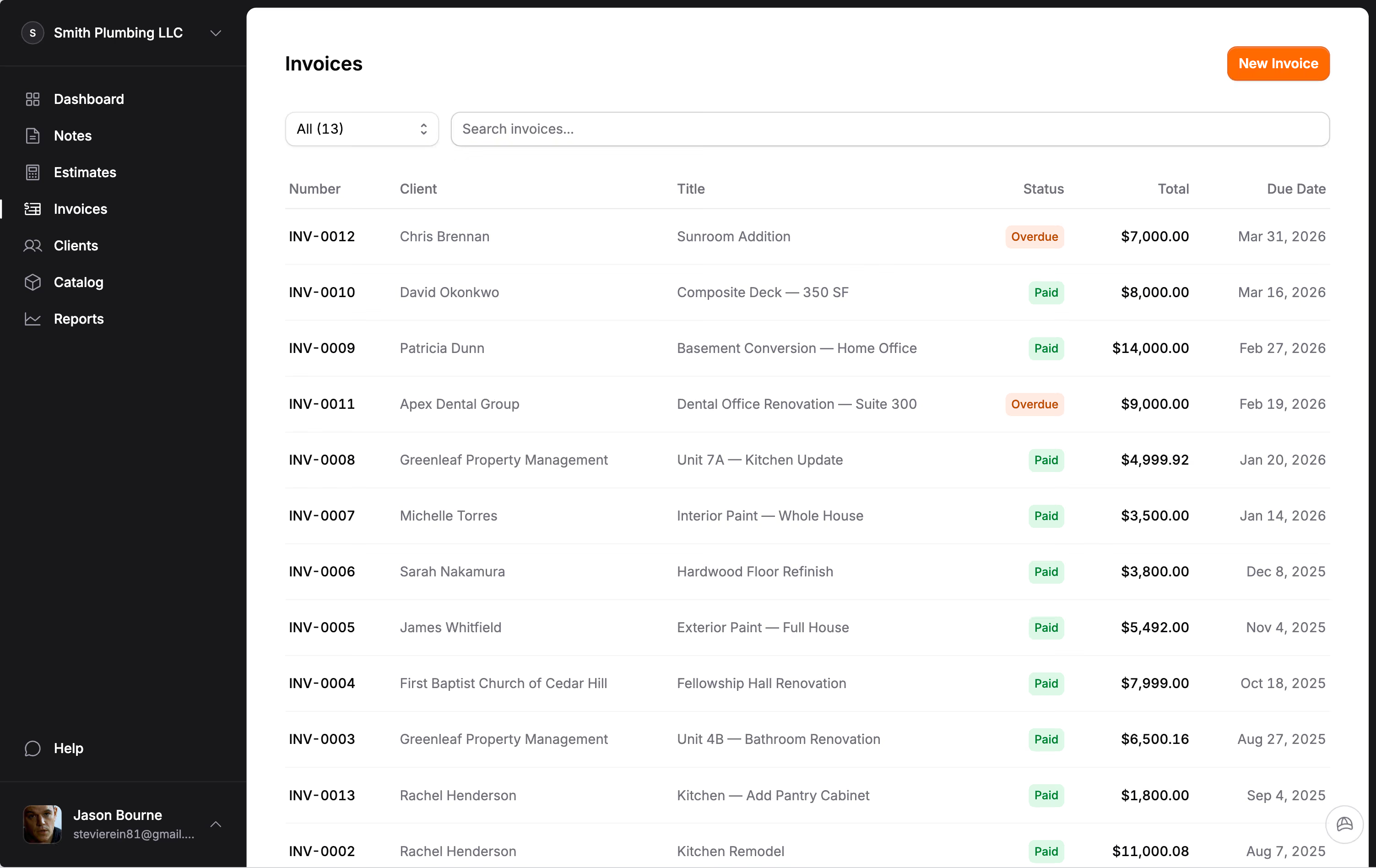
A full system install is not a one-invoice job. You bill a deposit for equipment, invoice after rough-in, and collect the final after startup and commissioning. Jobkore lets you create multiple invoices against the same estimate, track what has been billed versus what is outstanding, and collect payments online through Stripe.
Your client gets a payment link, pays with a credit card or bank transfer, and the money lands in your account. No chasing checks. No awkward conversations about when payment is coming. Stripe handles the processing at their standard rate — Jobkore charges zero additional fees on top.
Revenue this month, outstanding balances, overdue invoices, estimates waiting for approval — all in one place. Whether you are tracking a $15,000 system install or a $300 service call, you know exactly where your business stands without flipping between spreadsheets and apps.
Stop fighting your software. Start running your business.
Try for free14-day free trial. No credit card required.
Your next estimate is on us.
Try for free