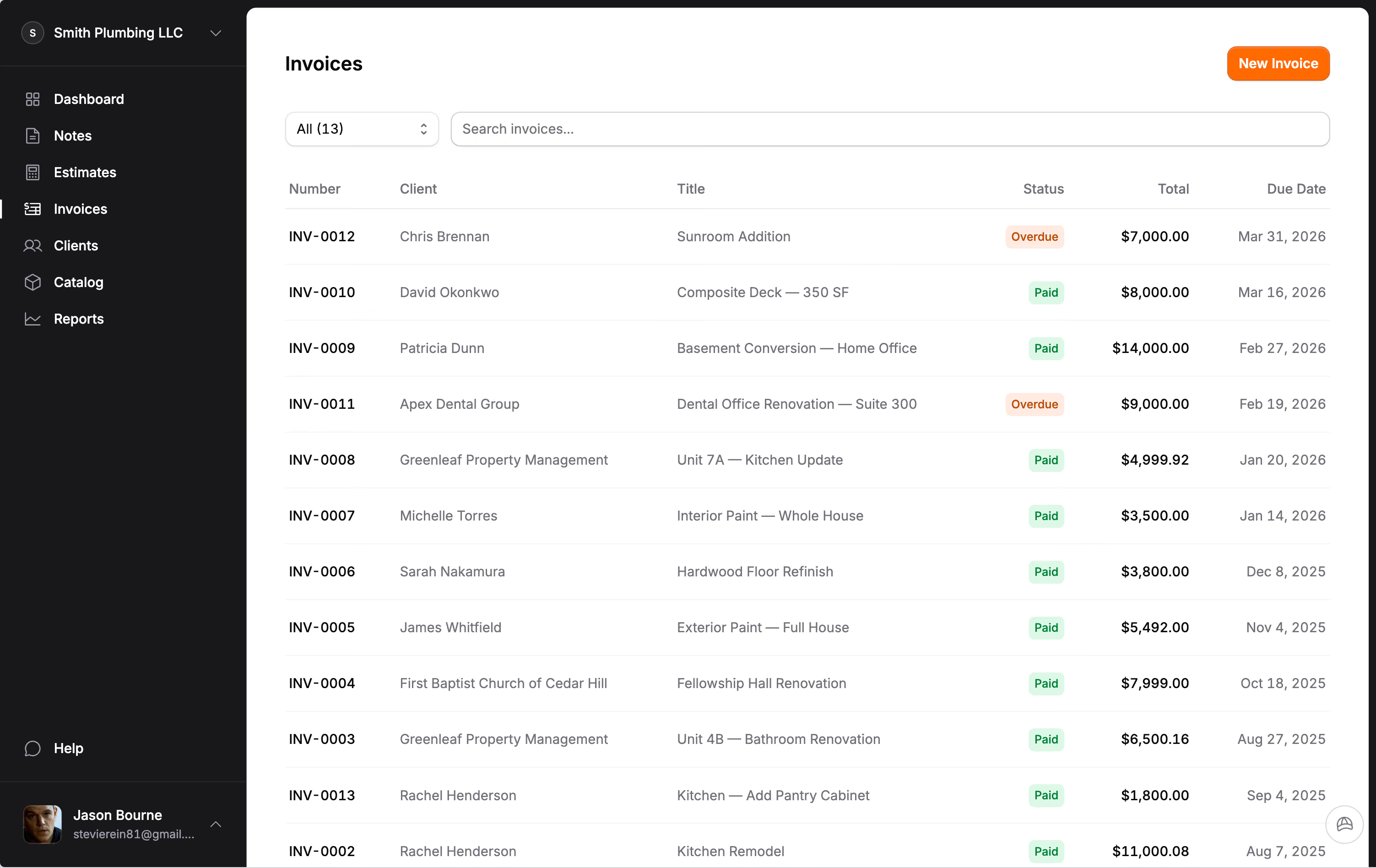
Solar estimates and invoices, from site survey to permission to operate.
Design the system in the tool you already use, then itemize the install, the panel work and the fees, and bill deposit, install and PTO on one invoice. For small solar installers.
Size from the bill, then price every part of the install.
Solar contractor software for a small installer is about the part after the design: turning a system into a bid the homeowner can read and sign. Jobkore does not model shading or production; keep your design tool for that. What it does is the estimate, and a good solar estimate has far more in it than a price per watt.
Start with the sizing basis, written on the estimate: the household's usage from the bill, not what fits on the roof, with room for an EV or a heat pump if the owner is planning one. Then the site assessment and the roof condition. Then each part as its own line: modules, racking and attachments with flashing suited to the roof type, the inverter or microinverters, monitoring setup, critter guard around the array, and a battery if one is included.
The Solar trade pack starts your catalog with site surveys and design, permit and interconnection paperwork, panel installs, inverters and battery storage, a 200-amp panel upgrade, a Level 2 EV charger, system inspections, panel cleaning and remove-and-reinstall. Set each price once, and every estimate starts from your numbers.
The main panel and the three sets of fees.
The most common surprise on a residential install is the main panel. When the backfeed breaker pushes past what the busbar can carry, the job needs a panel upgrade or a different interconnection, and that is thousands of dollars nobody priced. Check the panel on the site visit and put the answer on the estimate: either the upgrade as a line, or a note that the existing panel was checked and can take it.
Then the fees. The permit, the inspection and the utility interconnection are often three separate charges from three different offices. List each one, so the homeowner does not see them as your markup.
If the roof has five years left, say so on the estimate and price the reroof or the removal and reinstall of the array later. The homeowner's real question is whether the system will cover their bill, and what happens when the company goes away. An estimate that states the sizing basis, the roof condition and the workmanship warranty answers both.
Deposit, install, permission to operate.
Residential solar usually pays in three stages: a deposit at signing, most of the balance when the system is installed, and the rest at permission to operate from the utility. Put all three on one invoice with a payment schedule, each row named and dated in the order the money comes in. Payments fill the rows in order and the last row is always the balance.
Interconnection can take weeks after install, which is exactly when a final payment gets forgotten. The PTO row sits on the invoice with its own due date, and Jobkore sends reminders at 1, 7 and 14 days once it runs late. The homeowner pays by card or bank transfer from the link, or you record a check or a lender payment. Stripe charges its standard rate and Jobkore adds nothing.
Deposit rules apply to solar too. California's home improvement law caps the down payment at $1,000 or 10 percent of the contract, whichever is less, and does not let payments run ahead of the work, residential solar included. More on deposit limits by state.
Stop quoting the 30 percent credit.
For years, the federal residential clean energy credit did a lot of the selling. It is gone for new installs: the IRS says the credit is not available for any property placed in service after December 31, 2025. An estimate template that still subtracts 30 percent is promising a 2026 customer money they will not get.
Take it out of your templates and your catalog notes, and if you mention incentives at all, name only the state or utility programs you have checked for that address. Keep your incentive notes dated, so an old one never lands on a new quote.
That makes the rest of the estimate matter more. Without the credit carrying the sale, the homeowner is comparing the real price, the equipment and the install. Itemized lines, photos of the roof and the panel (up to 20 on the document), and a clear payment schedule are how a small installer competes on that.
Change orders for what the site visit missed.
The panel turns out to need an upgrade after all, the homeowner adds a battery, or the utility asks for a different meter setup. Write it as a change order on the invoice with its own lines and price. The homeowner signs it online and the invoice total moves to include it.
Hank can help here. Jobkore includes Hank AI™, an assistant that knows the trade you picked at signup. Tell him the job by typing or with a voice memo: 7.2 kW on a south-facing composition roof, 26 modules with microinverters, 200-amp panel, owner plans an EV next year. He drafts the estimate with the install, electrical and fee lines, priced from your catalog first.
Turn on a review before sending and he checks it against a solar list: sized to the roof instead of the load, no main panel capacity check, fees missing, no critter guard. He can add the missing line and never changes your prices in a review.
What Jobkore is for a solar installer.
It is the estimate the homeowner signs, the change orders, the milestone invoice and the payments, for an installer with a small crew. Your design tool hands you the system; Jobkore turns it into the signed estimate and the paid invoice.
It runs on your phone, in English or Spanish, and invoices and payments sync one way to QuickBooks Online. Your license number prints on every estimate and invoice once you enter it, and late payments get reminders at 1, 7 and 14 days.
Related trades: electrical, roofing and general contractor. The price is on the pricing page: one plan, every feature.
Common questions.