What’s new
What we shipped lately.
The highlights, month by month. Every account gets every change the day it ships.
November 2026
- Your website, on a phone. Visitors get a clean menu with every service page in it, and can save your business to their phone's contacts. Editing on a phone, a tap selects and Edit opens the words, so you can look around without the keyboard popping up.
- The Marketing add-on. The add-on with your website is now called Marketing, same price: your website, its domain, and the leads and reviews it brings in.
- Every lead in one place. Add someone who called, texted or was referred, beside your website inquiries. Each shows whether it is new, waiting on an estimate, won or lost.
- Follow-up dates. Pick the day to call someone back, and it is on your dashboard that morning.
- Where your work comes from. Reports counts your inquiries by source and shows why you lost the jobs you marked.
- Ask for a review. Send any client your Google review link from your own phone in two taps.
- Share your contact. Show a QR code and the other person saves your business to their phone with the camera. No paper cards.
- Change order follow-ups. A change order your client hasn’t signed gets the same follow-up email an estimate does, 3 and 7 days after you send it.
- Left after subs. A job with subcontractors shows what you invoiced minus what you agreed to pay them, right beside Invoiced and Collected. Sub payments show in full, and you can edit one you entered wrong.
- Find your trade faster. Type how you’d say it, like “AC repair”, and the trade list finds it, with Other always there.
October 2026
- Every job site on the job. A job shows where the work is: a map, the location’s note like a gate code, Directions to your map app, and the week’s weather while you are quoting or working it. Client addresses show the same.
- Pin the notes you keep coming back to. Clients and subs keep one dated list of notes, and up to 3 stay pinned at the top. Copy any note from its menu.
- Call, text or email a sub from their page. A sub’s page opens with their contact, and their phone number and email are one tap to copy.
- Your website, easier to change. Click any text on your site and type over it, or tap it on a phone. The Website page shows what needs doing, your visits this week and your domain, and Download My Site gives you your site as files to keep.
- Reports by month, quarter or year. Step back through any period and see how it compares with the same time last year, how many estimates you won, and each top client’s share of what you collected.
- Mark Accepted on change orders. When your client says yes in person or on paper, record it without a signature online.
- Receipts your way. Record Payment emails your client a receipt, and you can uncheck it when you are entering an old payment.
- Hank reads bigger jobs. He takes a full contract plus your notes, about 60 pages at once, and tells you plainly when something is too much rather than skipping part of it.
- Repeating invoices. Set an invoice to repeat every week, 2 weeks, month, 3 months or year. Each new one goes to your client on its date, or waits as a draft for you to check. Your client pays each one from its link.
- Estimate follow-ups. An estimate your client hasn’t answered gets a friendly follow-up email 3 and 7 days after you send it. Switch it off on any estimate.
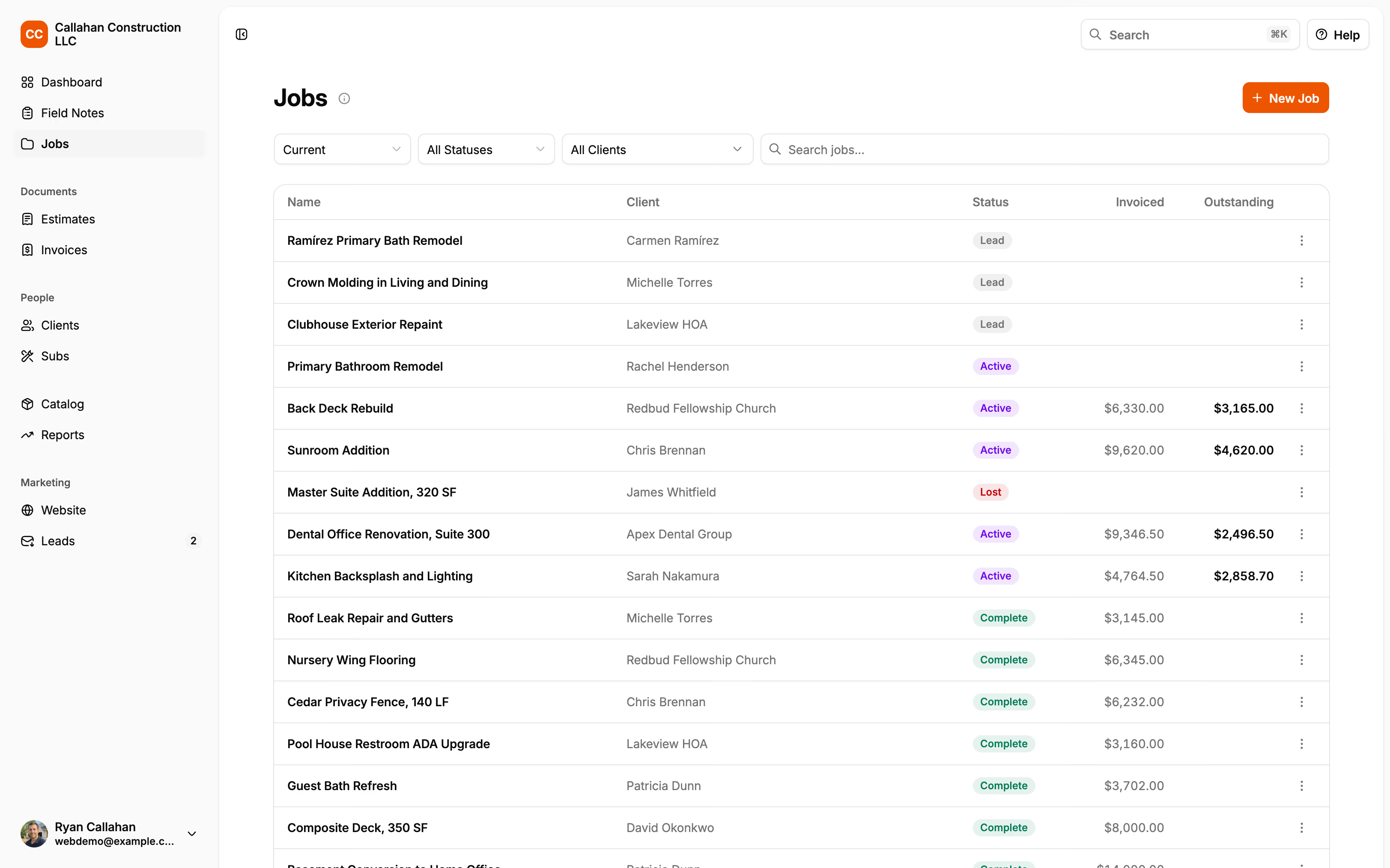
- Projects are now Jobs. Same screen, plainer name. Every estimate and invoice shows the job it belongs to, and an All Jobs filter narrows either list to one job.
- Weather for your trade. The dashboard forecast names what your trade watches for, like “Rain likely 2–6 PM” for painters or a freeze tonight for concrete, and opens a 7-day forecast hour by hour. Turn it off in your profile.
- Help on every page. The first time you open each page, a short note says what it is for, with a way to ask a question or read the guide.
- A tidier menu. Estimates and Invoices sit under Documents, Clients and Subs under People, and the search menu shows each page’s keyboard shortcut.
- Client hub. Each client’s billing contact gets one page with every estimate and invoice you have sent them.
- Jobkore for Android. The app is on Google Play.
- Instructions for Hank. Write your standing rules once in Settings, and Hank follows them on every document.
- Move documents between jobs. An estimate or invoice can move to another job at any status, and Jobkore offers to bring its linked documents along.
- Jobkore Help on getjobkore.com. Ask a question on any page of this site, or hand it to our team.
- Hank’s read on your numbers. Reports opens with a headline and a few takeaways about what your figures mean, not the figures read back to you.
- Translate anything you write. Improve turns a line, your notes or your email into English or Spanish for a client who reads the other language.
September 2026
- Sign in with Apple, alongside email and Google.
- Undo and redo in the estimate, invoice, change order and website editors, including each Hank reply as one step.
- Change orders from a description. Tell Hank what changed on the job and he drafts the change order.
- Review before you send. Hank checks a finished estimate or invoice for missing items and lists what to fix.
- Payment schedules hold up to six payments, and a client who is behind can pay everything past due at once.
- Custom domains for contractor websites, registered in your name at no extra cost with the website.
August 2026
- Websites. A hosted website for your business, set up by answering a few questions.
- Jobs (called Projects at launch). Every estimate and invoice for one job in one place.
- Subcontractor tracking. Always know what you owe each sub.