Hank AI™
Write estimates from your notes.
Pick your field notes and Hank drafts the estimate, line by line. Try it below on a sample job.
- 1Pick field notes
- 2Hank plans the job
- 3He builds the estimate
- 4Change it by asking
Field Notes
Tap a note to read it.
New estimate
DraftTotal$0.00
Turn your own notes into an estimate.Now do it with your own notes.
Hank prices from your catalog and your rates. You check every line before it goes out.
Try for free
14-day free trial, no card needed.
Edit by chat
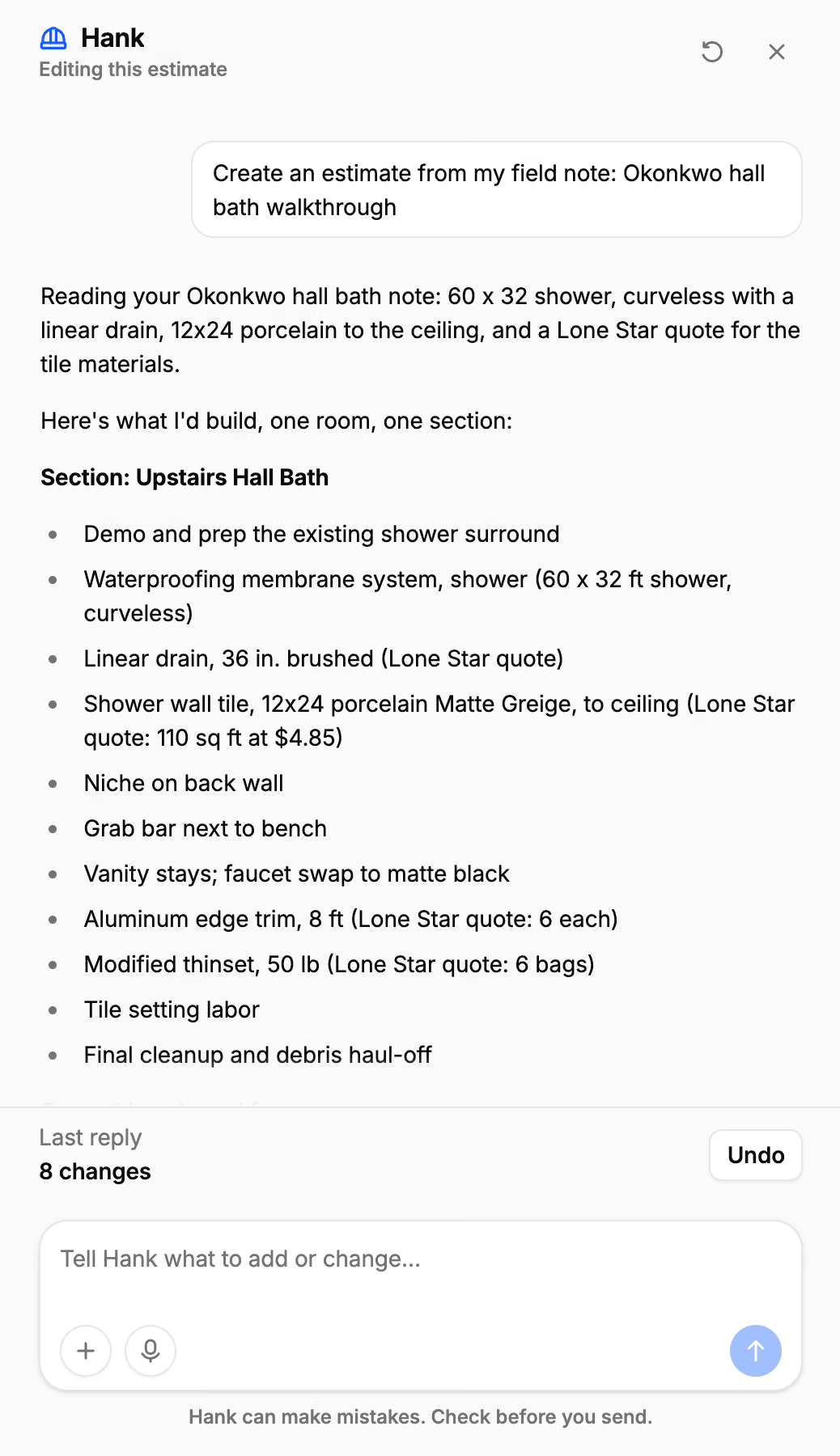
Change anything by asking.
Open any estimate or invoice and tell Hank what to change. He edits it while you watch. Removing work or switching the client waits for your OK.
- “Take 5% off the whole thing.”
- “Net 30 on this one.”
- “Flag the tile as an allowance.”
- “Split this into upstairs and downstairs.”
- A second look before you send
- Hank flags a line with no price, a date that has passed, or work that never made the invoice.
- Instructions for Hank
- Tell him how you work once, like “We sub out tile,” and he follows it on every draft.
- Allowances, flagged
- A note that says “client to pick” becomes an allowance line for you to budget.
- Your trade, in two languages
- Hank knows your trade’s words, in English and Spanish.
FAQ
Common questions.
No. Hank comes with Jobkore, $29 a month or $290 a year, and with the 14-day free trial.
Typed notes, voice memos up to 15 minutes, photos of handwritten notes or sketches, and PDFs such as a supplier's quote.
He prices from your catalog and your rates, and you check every line before it goes out. An allowance gets no price from him: you set the budget.
No. Hank drafts and edits. Nothing reaches your client until you send it.
Guides: Meet Hank · What AI gets wrong on estimates · Field notes to finished estimate