Field Notes: Capture It on Site, Estimate It Later
Contractors do not lose track of scope because they are careless. They lose track because the job site is chaos and there is no good time to stop and type. You walk through a house with the homeowner, they point out six things they want done, and by the time you are back in the truck you remember four of them. The other two end up as a callback or a dispute.
That is why we built Field Notes.
What Field Notes does
Field Notes is a dedicated space in Jobkore for capturing what you see on the job site, right when you see it. Open it up, type a note or hit record and talk through the scope. The note saves instantly with an AI-generated title so you can find it later without scrolling through a wall of untitled entries.
Voice notes are transcribed automatically using Deepgram, a speech recognition engine built for real-world audio. Not the kind that hallucinates words when you pause to think. If you stop talking for a few seconds, it just waits. The transcript shows up in seconds.
You can tag each note to a client, so when it is time to build the estimate, you are not digging through a mixed pile of notes from three different jobs.
From notes to estimates (and invoices)
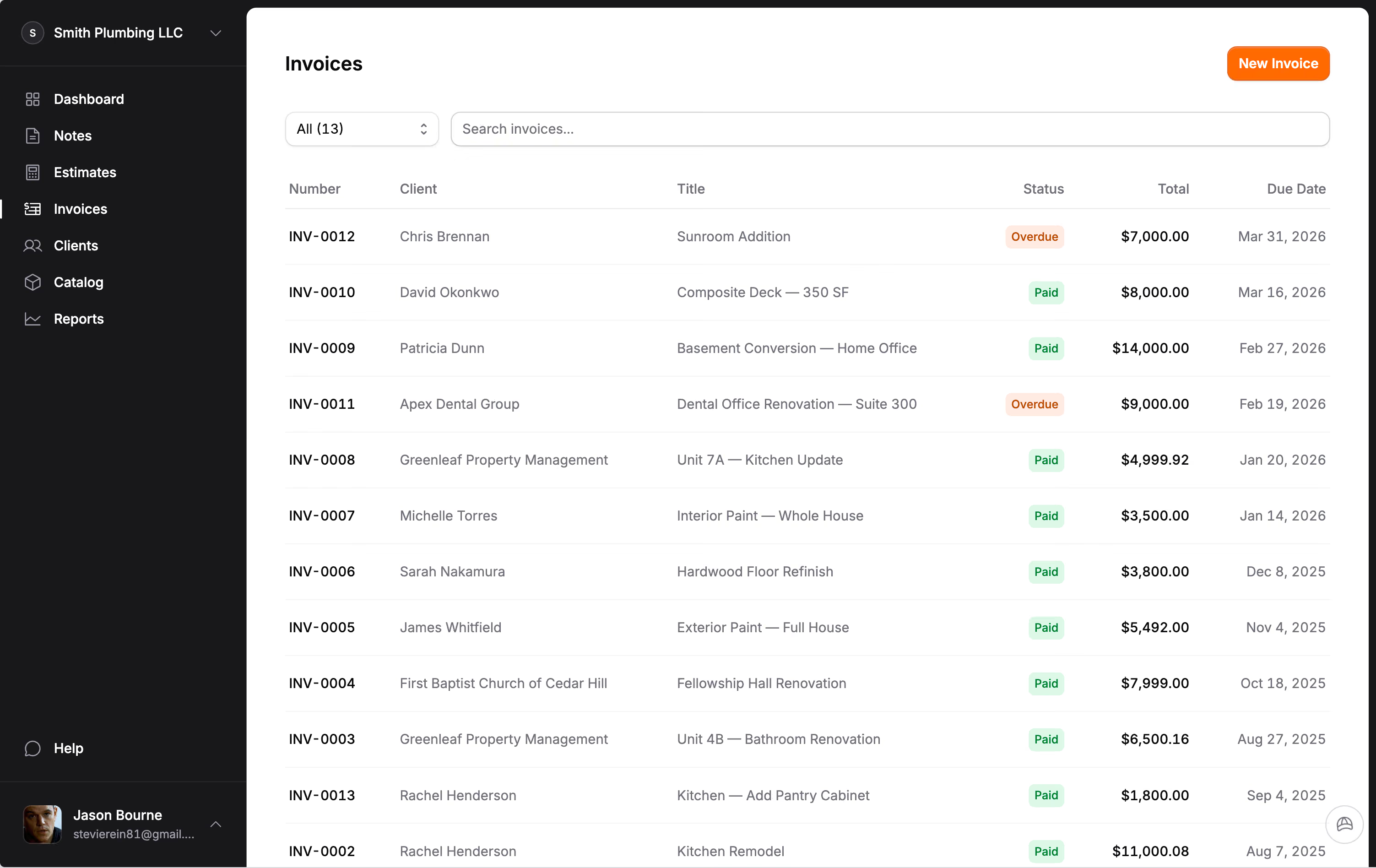
The real payoff is what happens after you capture your notes. Select the ones you want, tap "Create Document," and choose what you need: a new estimate or an invoice. Hank AI™ reads your notes and organizes them into structured line items and sections. You review, adjust pricing, and send.
Notes pay off on extra work too. Say a client asks for more mid-project. You record a 30-second voice note describing what they asked for, right there. When you write it up as a change order on the invoice, the scope is already in your own words, and the client signs it before it counts toward what they owe. No texts, no handshake agreements, no disputes at the end.
We looked at every tool in the market that claims to do voice-to-estimate. A few of them exist. None of them handle change orders. And none of them connect the notes to your invoicing workflow so the entire job, from first walkthrough to final payment, lives in one place.
Why voice matters
The contractors we work with consistently tell us the same thing: most of the time they "lose" on a job is not on the job itself, it is searching for project information after the fact. Paper notes get lost. Text messages get buried. Photos sit in the camera roll with no context. The problem is not that contractors do not document things; it is that the documentation is scattered across five different apps and a stack of paper on the passenger seat.
Voice recording changes the equation. Walking through a basement and see knob-and-tube wiring that needs replacing? Talk through it while you are looking at it. Standing in a kitchen with the homeowner? Narrate the scope as you go. You capture more detail in 60 seconds of talking than you would in five minutes of typing on a phone.
Built for how contractors actually work
Field Notes works in English and Spanish, like everything else in Jobkore. Record in whichever language you think in. The transcription handles both.
Notes stay where you put them. Jobkore never archives a note for you. When you turn notes into an estimate or invoice, the originals stay in your active feed so you can reuse or reference them later. Archive them manually when you are done with a job. Nothing disappears unless you decide.
Field Notes is included at $29 per month, along with everything else: unlimited estimates, invoices, change orders, Hank AI™, QuickBooks sync, online payments, and full bilingual support. No add-on fees, no per-feature charges.
If you have been keeping job notes in your texts, your camera roll, or your head, Field Notes is the upgrade your workflow has been missing.